
Minecraft cheat codes and commands: complete list of console commands (2026)
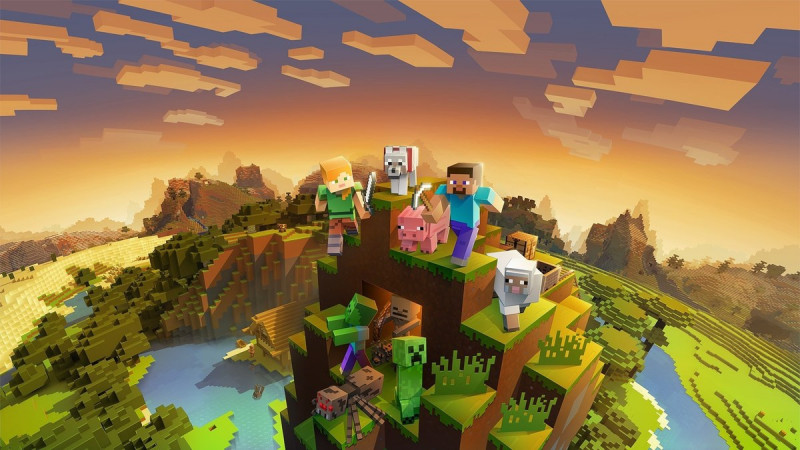
Minecraft has a built-in powerful system of console commands - essentially, these are official cheat codes from the developers themselves. With their help, you can give yourself any item, teleport, change the game mode, time and weather. This article contains a complete list of working Minecraft cheat codes for 2026 and instructions on how to enable them.
How to enable cheats in Minecraft
On the computer (Java Edition)
When creating a world: Click "Create New World" → "World Settings" → toggle "Use Commands: ON".
In an already created world: press Esc → “Open to LAN” → enable “Use commands” → “Open world to network”. Cheats will work until the end of the current gaming session - the steps must be repeated the next time you log in.
On phone and consoles (Bedrock Edition)
Open the world settings, scroll to the "Cheats" section and turn on the "Activate cheats" switch. Please note: the game will warn you that achievements in this world will become unavailable forever - even if you later disable cheats.
How to enter: open the chat with the T key or slash / and enter the command, then press Enter. On servers, commands are available only to administrators and players with operator rights.
Main Minecraft cheat codes
| Team | What does |
|---|---|
| /gamemode creative | Creative mode: immortality, flight and all blocks in inventory |
| /gamemode survival | Survival mode |
| /gamemode spectator | Observer mode - flying through blocks |
| /give @s diamond_sword 1 | Issue item: player, item ID, quantity |
| /tp @s 100 64 -200 | Teleport to coordinates X, Y, Z |
| /tp Player1 Player2 | Teleport one player to another |
| /time set day | Include day (there is also night, noon, midnight) |
| /weather clear | Clear weather (options: rain, thunder) |
| /gamerule keepInventory true | Don't lose things after death - the most popular cheat |
| /gamerule doDaylightCycle false | Stop the cycle of day and night |
| /difficulty peaceful | Change difficulty (easy, normal, hard) |
| /xp 100L @s | Give yourself 100 experience levels (without the letter L - experience units) |
| /effect @s strength 9999 1 | Apply effect: player, effect, duration in seconds, level |
| /effect @s clear | Remove all effects |
| /enchant @s sharpness 5 | Enchant an item in your hand |
| /summon lightning_bolt | Summon a mob or object - such as lightning |
| /locate structure village | Find the coordinates of the nearest village or other structure |
| /fill 0 60 0 10 65 10 stone | Fill the area with blocks - from point to point |
| /kill | Kill your character (or specify a target) |
| /spawnpoint@s | Set the spawn point where you are standing |
| /seed | Show current world seed |
Target selectors: @s, @p, @a, @e, @r
Instead of a player's nickname, teams use short selectors:
- @s — you yourself (the one who entered the command);
- @p — the nearest player;
- @a - all players;
- @r - random player;
- @e — all entities, including mobs (be careful with /kill @e!).
Example: /give @a diamond 64 will give a stack of diamonds to every player in the world.
Useful combinations for survival
- Don't lose loot: /gamerule keepInventory true - items will remain in the inventory after death;
- Quick construction: /gamemode creative to build, then back to survival;
- Disable mobs: /difficulty peaceful - all hostile mobs will disappear;
- Home point: /spawnpoint @s by the bed to spawn at home;
- Find a fortress: /locate structure stronghold - will show the coordinates for the portal to the End.
Why is the command not working?
- "You are not authorized to use this command" — cheats are disabled in this world or you do not have operator rights on the server;
- Typo in item ID - modern versions require exact names: diamond_sword, not “276”. Start typing the name and press Tab to auto-submit;
- Extra spaces - the command is syntax sensitive;
- On large serverscommands are available only to the administration - they are blocked for ordinary players.
A quick way to change the game mode without chat: hold F3 and press F4 - the mode switch will open (Java Edition only, with cheats enabled).
Read also: how to create your own server in Minecraft, how to invite friends to the server, best mods for minecraft 2026.
Sources: Minecraft.net - official command guide, Minecraft Wiki, M.Video Blog.
More about Minecraft
- At what height to look for diamonds in Minecraft: best level (2026)
- How to increase FPS in Minecraft: working methods (2026)
- How to invite friends to a server in Minecraft: LAN, IP, VPN and Realms (2026)
- How to create your own server in Minecraft: a detailed guide for beginners (2026)
- How to beat Minecraft and kill the Ender dragon: complete guide (2026)