
The Sims 4: All Cheat Codes — Money, Skills, Building and Careers
Information is current as of September 2026.
The Sims 4 is one of the most “cheating” games: the developers from Maxis themselves built hundreds of codes into it for money, construction, skills and careers. Below is a complete list of working cheat codes and detailed instructions on how to enter them on PC, Mac, PlayStation and Xbox.
How to open the console and enable cheats
The key combination depends on the platform - the cheat console appears as a white line at the top of the screen:
| Platform | Combination | Close console |
|---|---|---|
| PC (Windows) | Ctrl + Shift + C | Esc or the same combination |
| Mac | Command + Shift + C | Esc |
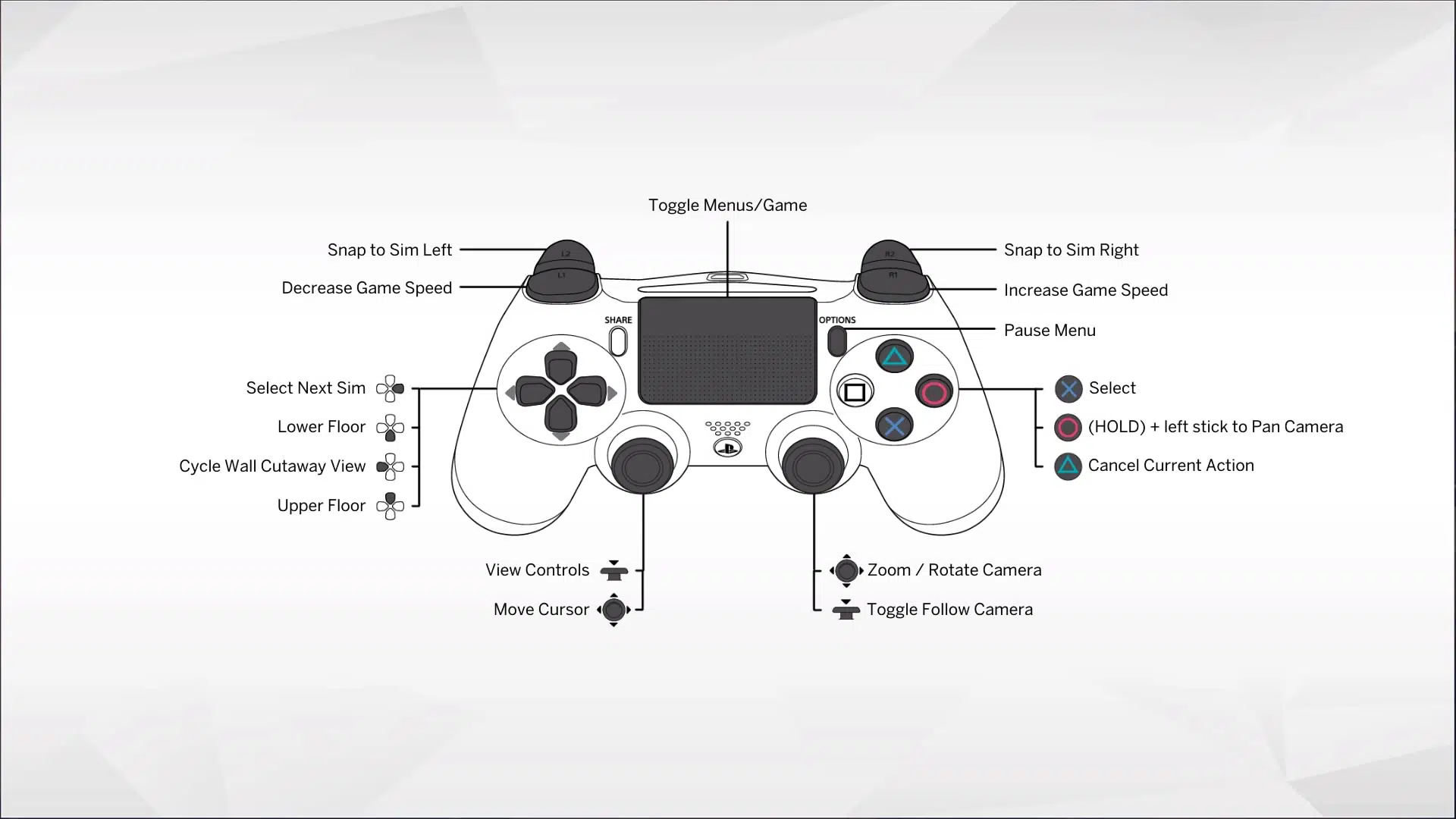
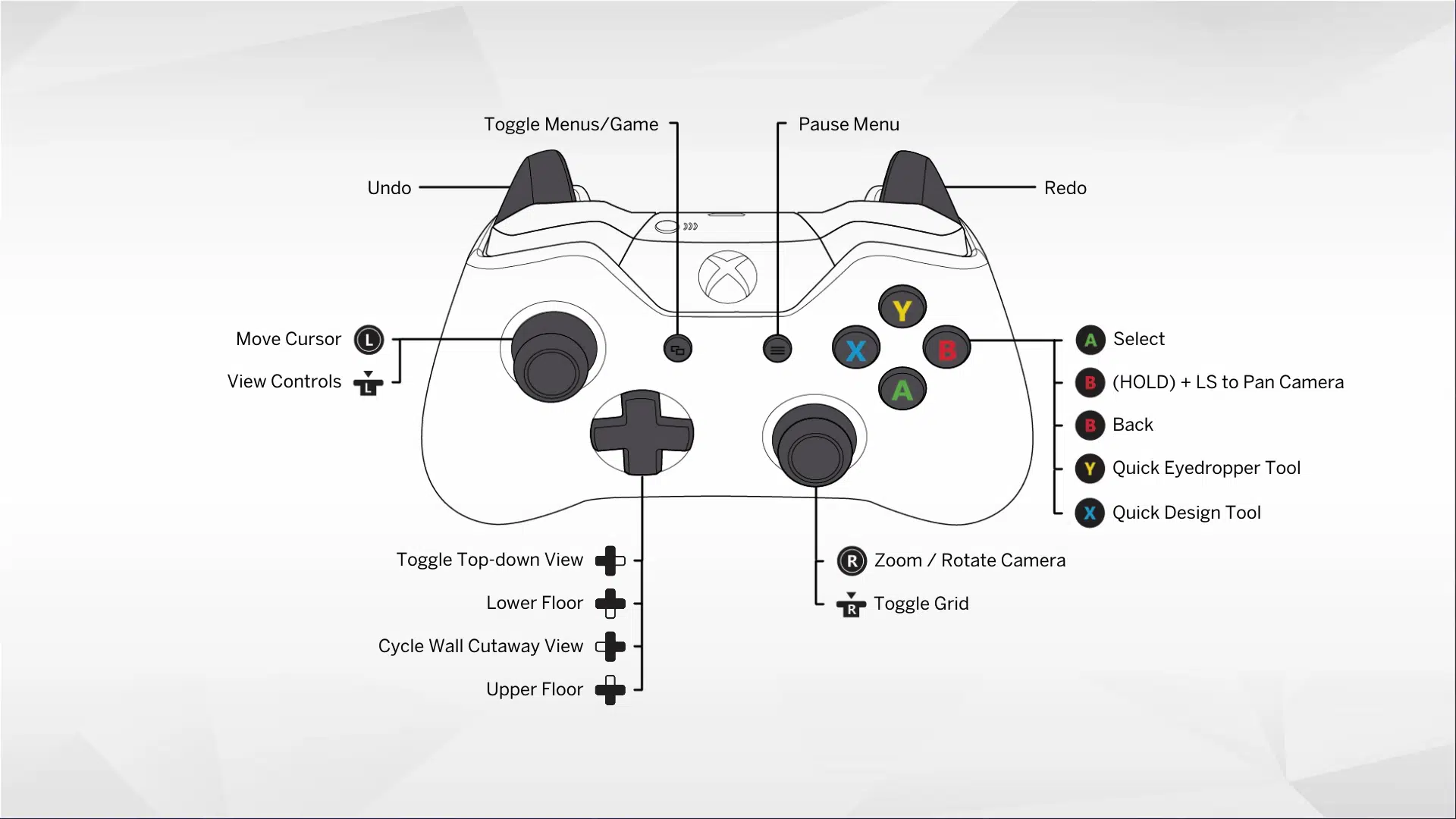
| PS4/PS5 | Press L1 + L2 + R1 + R2 at the same time | same combination |
| Xbox One/Series X|S | Press LB + LT + RB + RT simultaneously | same combination |
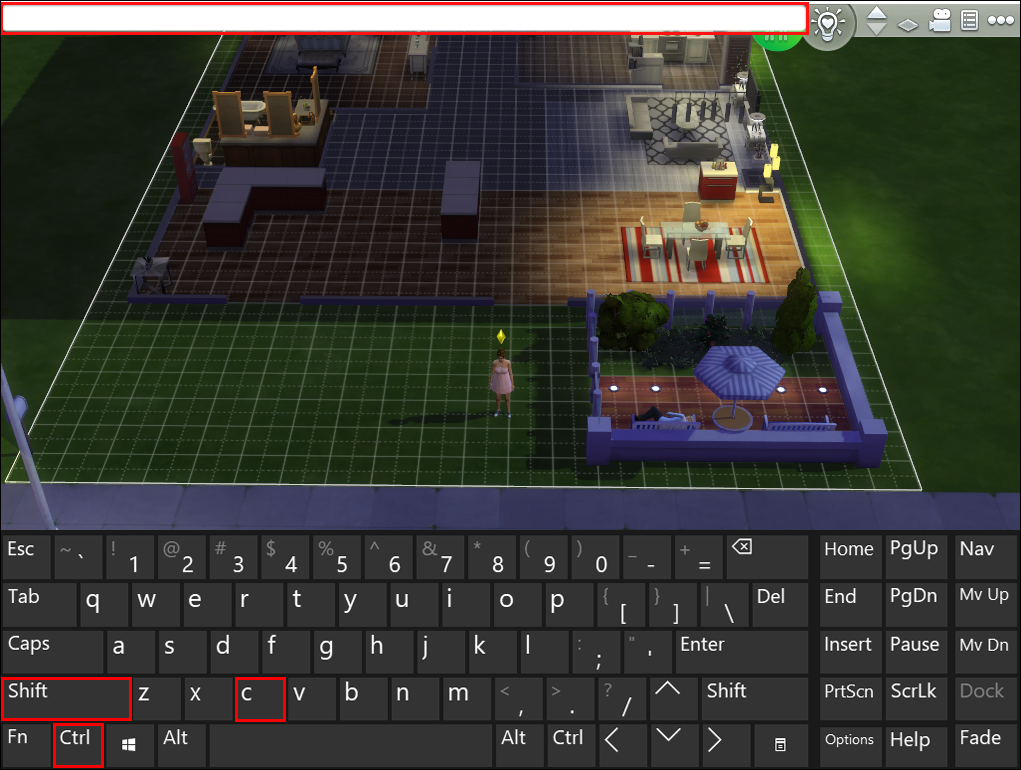
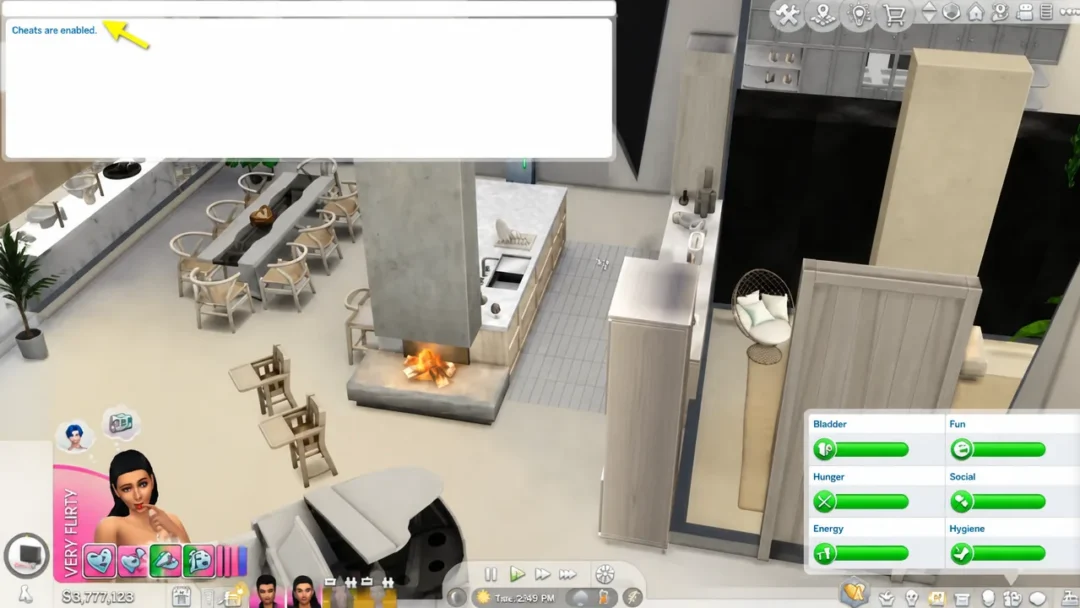
After opening the console, first of all enter the command testingcheats true (or testingcheats on ) - it will activate advanced cheats. The game will respond with “Cheats are enabled.” Without this command, some of the codes from the list below will not work.
Important for consoles: after enabling testingcheats on PS4/PS5 and Xbox, trophies and achievements are disabled in the current save. Achievements are not disabled on PC and Mac.
Cheat codes for money
| Code | Effect |
|---|---|
| motherlode | +50,000 Simoleons |
| kaching | +1,000 Simoleons |
| rosebud | +1,000 Simoleons |
| money 9999999 | sets the exact amount on the family account (after testingcheats true) |
| FreeRealEstate on | all areas on the map are free (enter in map mode) |
| household.autopay_bills false | disconnects utility bills |
Codes for construction
| Code | Effect |
|---|---|
| bb.moveobjects on | items can be placed anywhere and combined with each other |
| bb.showhiddenobjects | opens debugging items (search for "debug" / debug) |
| bb.showliveditobjects | opens environmental objects: trees, cars, boats (after bb.showhiddenobjects) |
| bb.enablefreebuild | construction on special sites: hospital, quarry sites |
| bb.ignoregameplayunlocksentitlement | unlocks all career rewards in the catalog |
Sims Needs and Conditions
| Code | Effect |
|---|---|
| sims.fill_all_commodities | Fills all the needs of all Sims in the family |
| fillmotive motive_hunger | fills hunger (similar to: motive_fun, motive_energy, motive_hygiene, motive_bladder, motive_social) |
| sims.give_satisfaction_points 5000 | +5000 happiness points |
| resetsim First Name Last Name | reboots a stuck sim |
| death.toggle false | disables sim death |
| sims.remove_all_buffs | removes all moodlets (moods) |
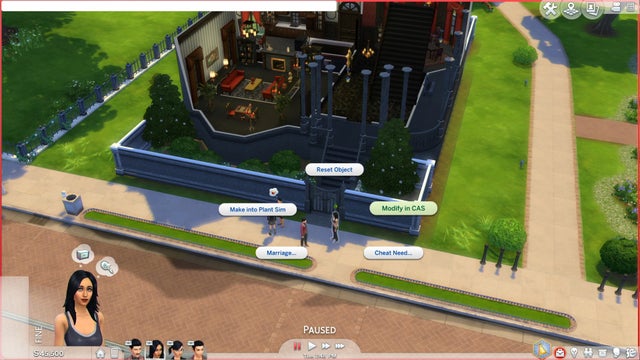
After testingcheats true on PC, you can click on Sims and objects while holding Shift: teleportation, filling needs, changing in the editor. On consoles, the same is done by holding the select button on an object.
Skill codes
Format: stats.set_skill_level Skill Level . For example, stats.set_skill_level Major_Cooking 10 - maximum cooking. Basic Skills (Level 1–10):
| Skill | Code |
|---|---|
| Cooking | Major_Cooking |
| Logics | Major_Logic |
| Programming | Major_Programming |
| Fitness | Skill_Fitness |
| Drawing | Major_Painting |
| Writing | Major_Writing |
| Gardening | Major_Gardening |
| Guitar | Major_Guitar |
| Mechanics | Major_Handiness |
| Charm | Major_Charisma |
| Games | Major_VideoGaming |
| Fishing | Major_Fishing |
Career codes
| Code | Effect |
|---|---|
| careers.promote NameCareers | increase by 1 level (for example careers.promote Astronaut) |
| careers.demote NameCareers | downgrade by 1 step |
| careers.add_careerNameCareers | get your sim a job |
| careers.retire NameCareers | retire a sim |
Examples of career names: Astronaut, Athlete, Business, Criminal, Culinary, Doctor, Entertainer, Painter, Scientist, SecretAgent, Writer, Detective, Gardener, Law, Engineer, Teacher, Military, Politician, SocialMedia, TechGuru.
Other useful codes
| Code | Effect |
|---|---|
| cas.fulleditmode | full editing of the sim in the editor (after testingcheats true) |
| modifyrelationship First Name1 Last Name1 First Name2 Last Name2 100 LTR_Friendship_Main | maximum friendship between Sims (LTR_Romance_Main - romance) |
| headlineeffects off | removes plumbob and thought clouds (for screenshots) |
| fps on | show FPS |
| hovereffects off | removes highlighting on hover |
| bb.showfps | frame rate in construction mode |
Frequently asked questions
The code doesn't work - what should I do? First enter testingcheats true and check the response “Cheats are enabled”. Most "non-working" codes are codes that require advanced mode.
Will cheats break the game? No, the codes are built in by the developers and are safe. The only limitation is disabling trophies on consoles in the current save.
Do cheats work in add-ons? Yes, all the codes above work in the base game and with all add-ons. Large DLCs also have their own codes (for example, for skills from “Eco-friendly Living” or careers from “Get to Work”).
More information about the game can be found on our hub: All about The Sims 4 . Also see: nickname generator for games - useful if you come up with a name for a Sim or channel.